Posted On:
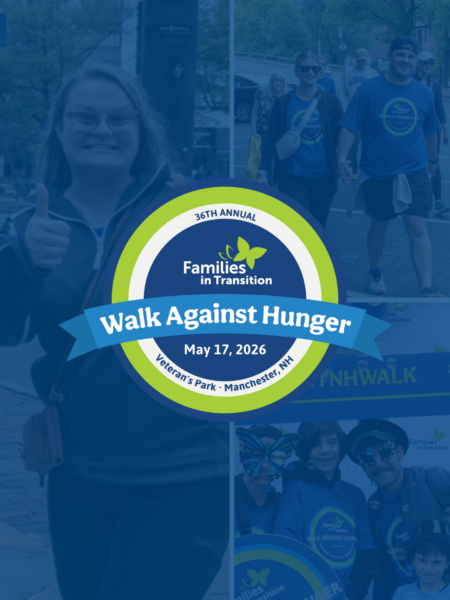
Social Media Graphics for 2026 Walk Against Hunger
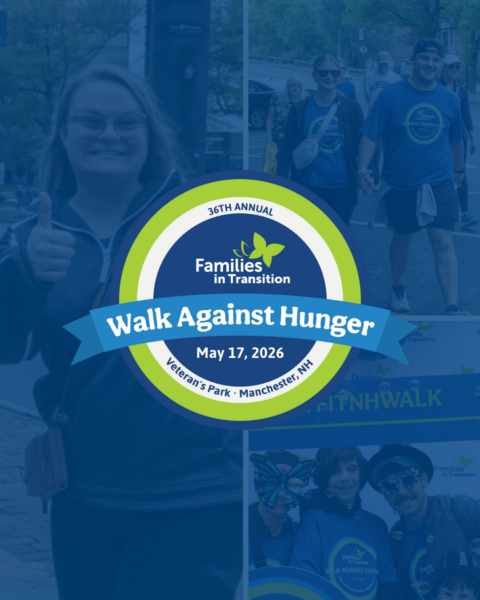
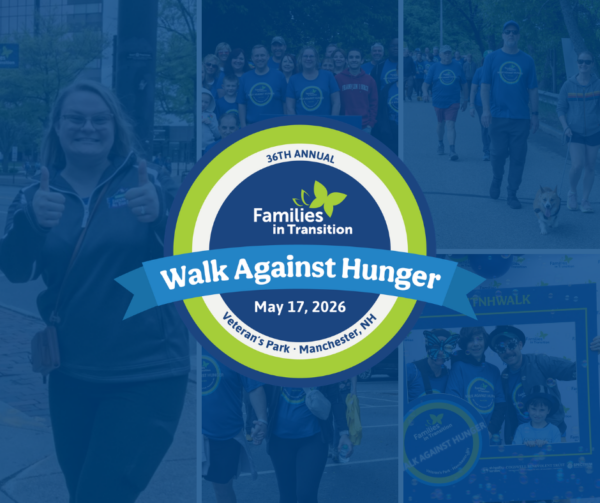
To download graphics in a web browser on your computer, right-click on the image you would like to download and select “Save image as” – For mobile phones, long-press (press and hold) the image in your browser and select “Save Image,” “Download Image,” or “Add to Photos” from the appearing menu. This method works in Safari (iPhone) and Chrome (Android/iPhone) to save the picture directly to your device’s photo gallery. Images are sized for respective social media networks.
Want more pictures to post or make your own social graphics?
Check out the 2025 Walk Against Hunger Photo Gallery!
Facebook/LinkedIn Graphic (portrait)
Facebook/LinkedIn Graphic (landscape)
Instagram Graphic (vertical)